Mindset v3 / Build & Optimize / Agent Management Studio
View as MarkdownSetting Up MCP Servers in the Agent Management Studio
Learn how to configure and manage MCP servers in the Mindset AI Agent Management Studio
Overview of the AMS Dashboard
When you log into the Mindset AI Agent Management Studio, you will see the main dashboard, which includes the following components:
- Agents
- Knowledge Contexts
- MCP Servers
- Workflows
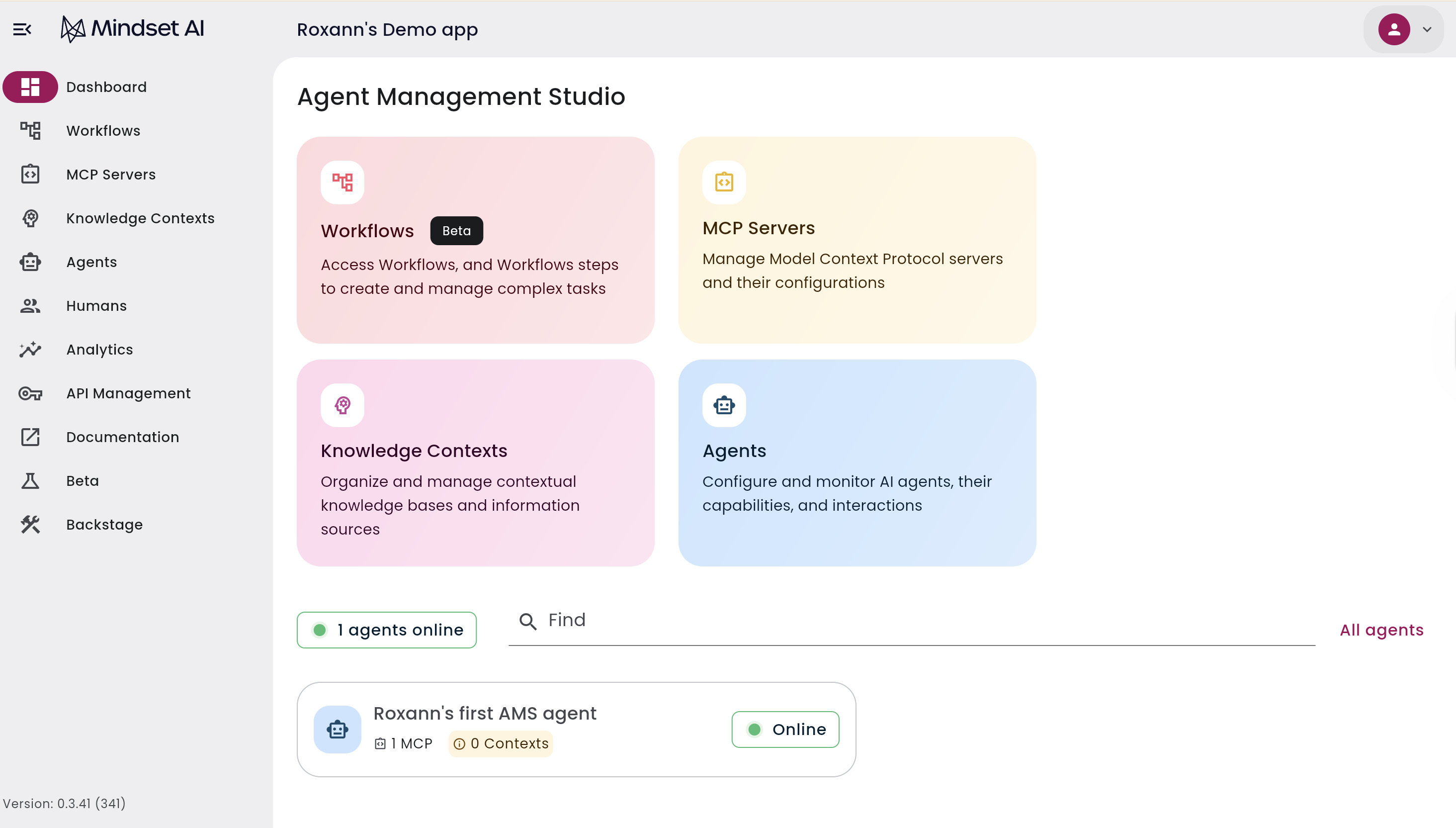
To begin, go to MCP Servers.
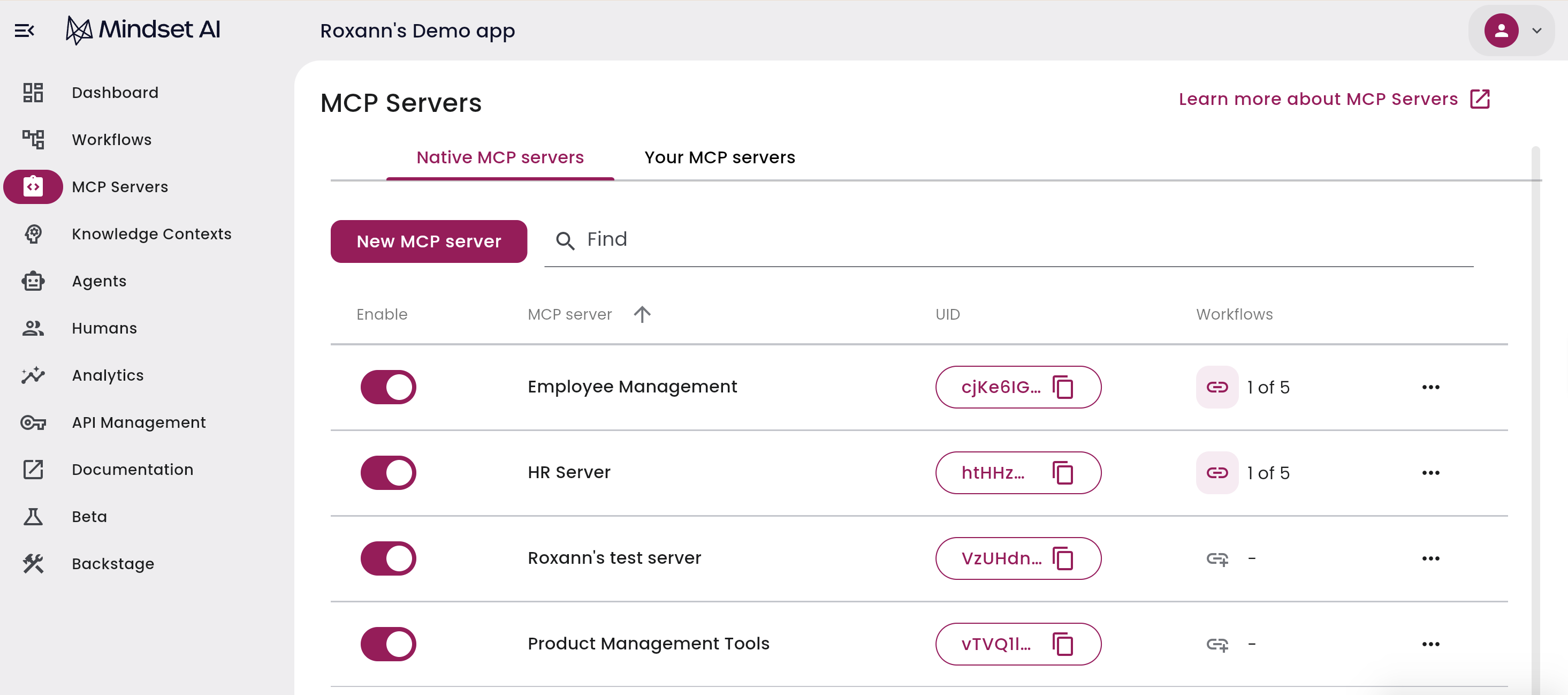
Native MCP Servers
The first tab is Native MCP Servers.
These are MCP servers managed by Mindset AI that wrap your workflows. They make the workflows you have created in the platform available to your agents. This is how your internal Mindset AI workflows are exposed as tools for agents.
Your MCP Servers
Next, select the Your MCP Servers tab.
This section contains client-hosted MCP servers. Everything in these servers, including APIs, tools, and hosting, remains entirely on your infrastructure. The Mindset AI platform connects to these servers through AMS so that your agents can use them.
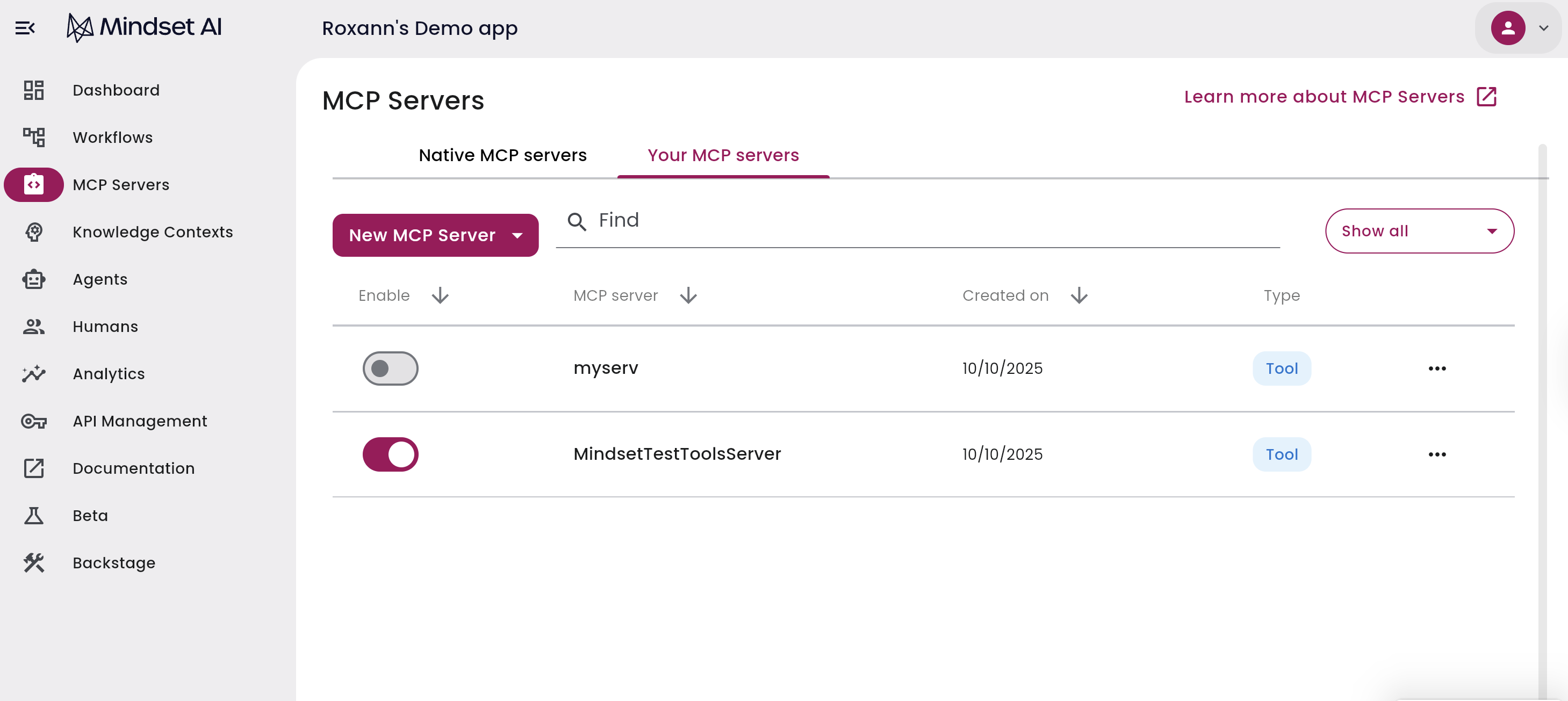
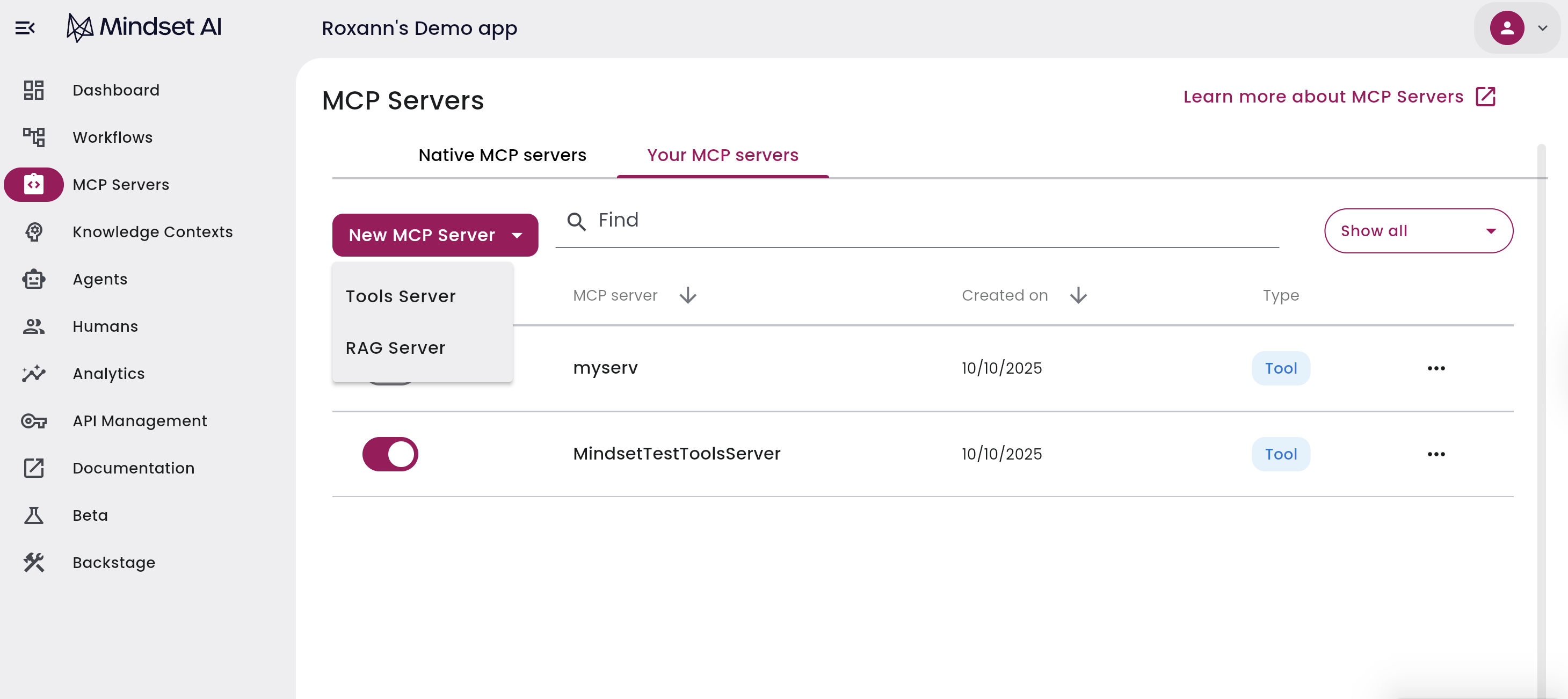
There are two types of MCP servers you can create:
- Tools MCP Server
- RAG MCP Server
1. Tools MCP Server
This is usually the main server type for customers because it enables Mindset AI agents to perform actions in your environment through your APIs, without Mindset AI needing to host or modify your code.
Benefits:
- Keeps your customer-specific code separate from the Mindset AI platform
- Gives you full control over which tools your agents can use
- Lets agents access your APIs securely within your environment
Creating a Tools MCP Server
Create new server
In your MCP Servers, click New MCP Server. Choose Tools Server from the dropdown.
Enter server details
Enter:
- Server name
- MCP server URL
- Description of what the MCP does
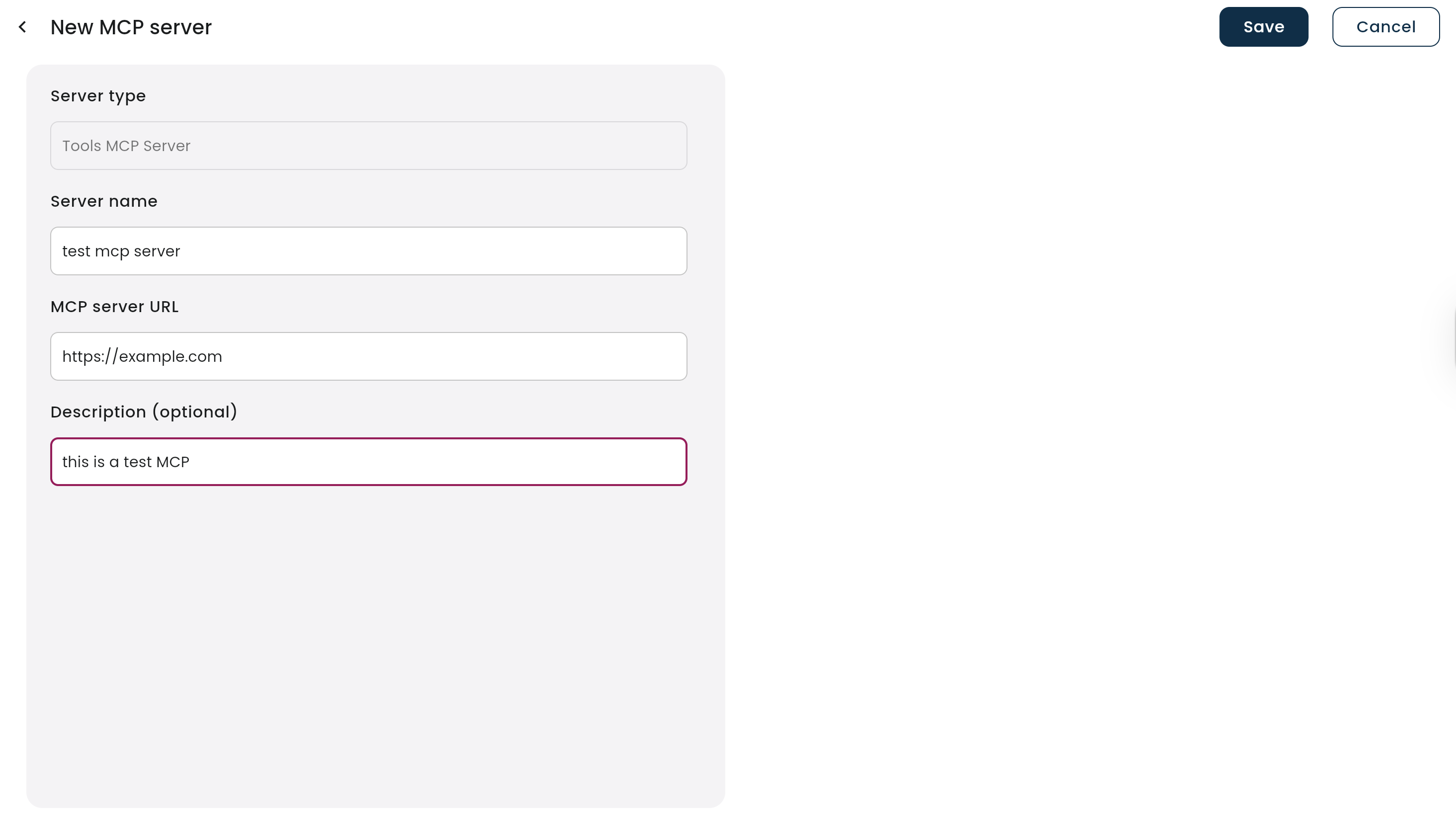
Save configuration
Click Save
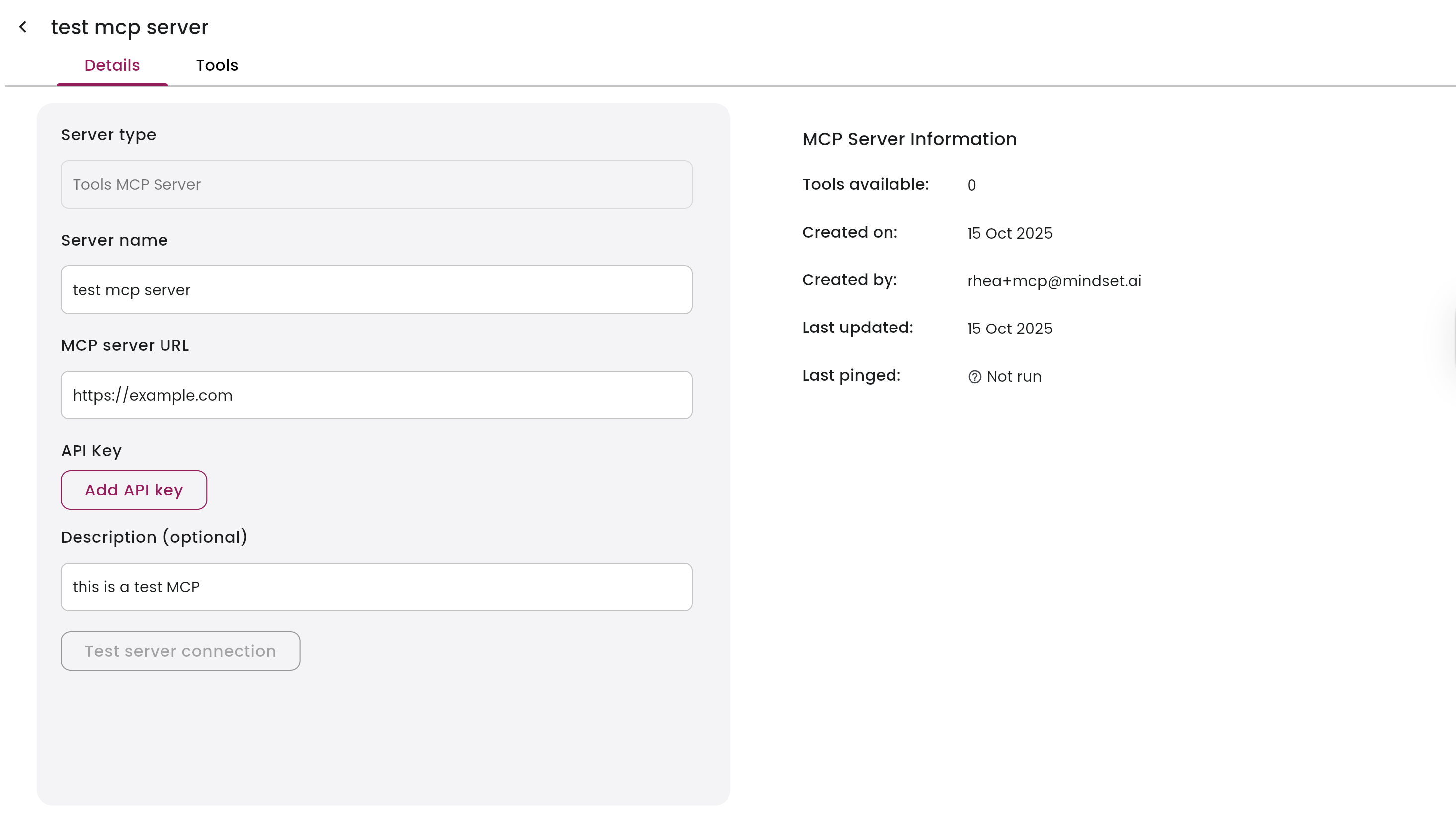
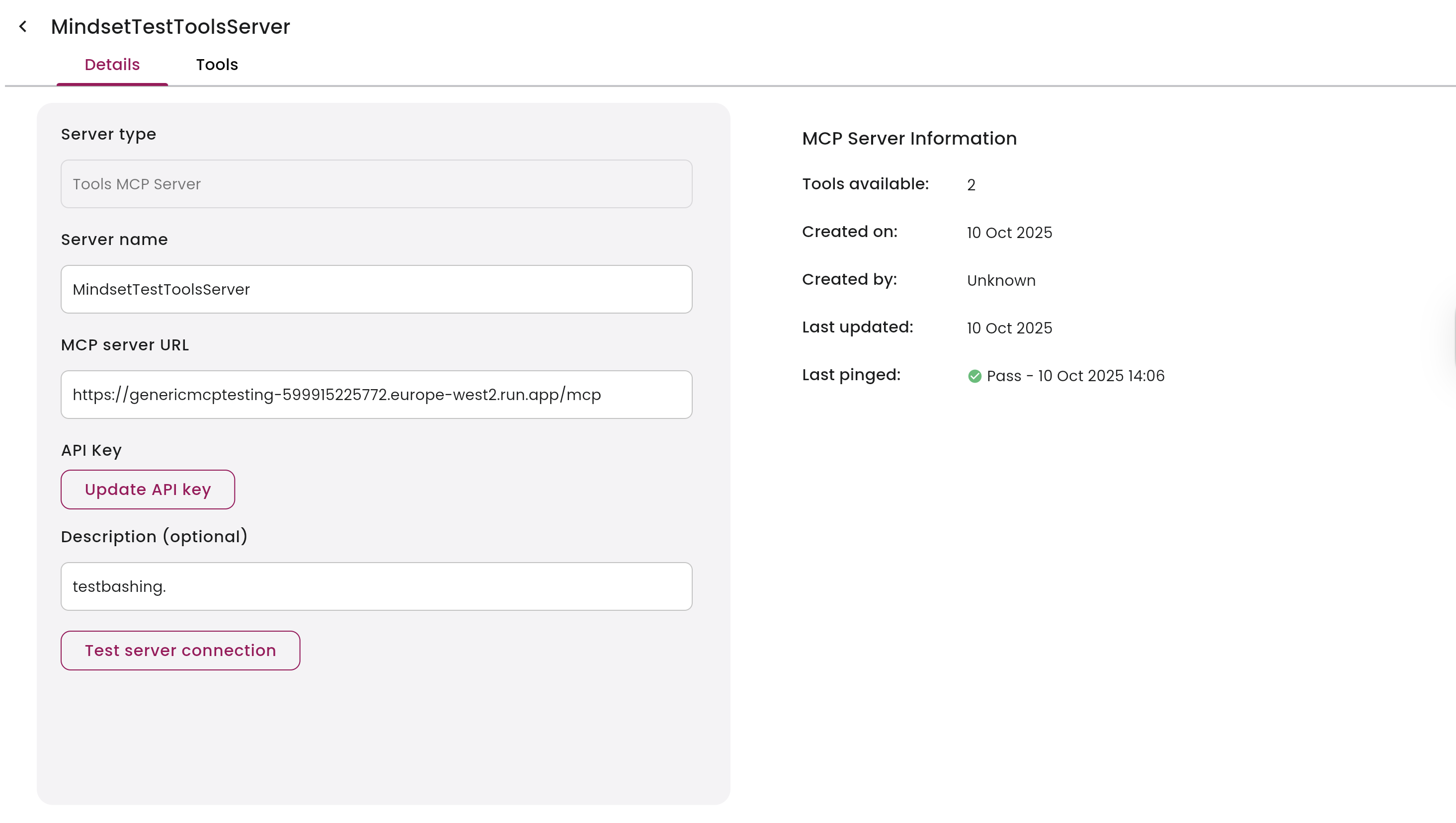
Test connection
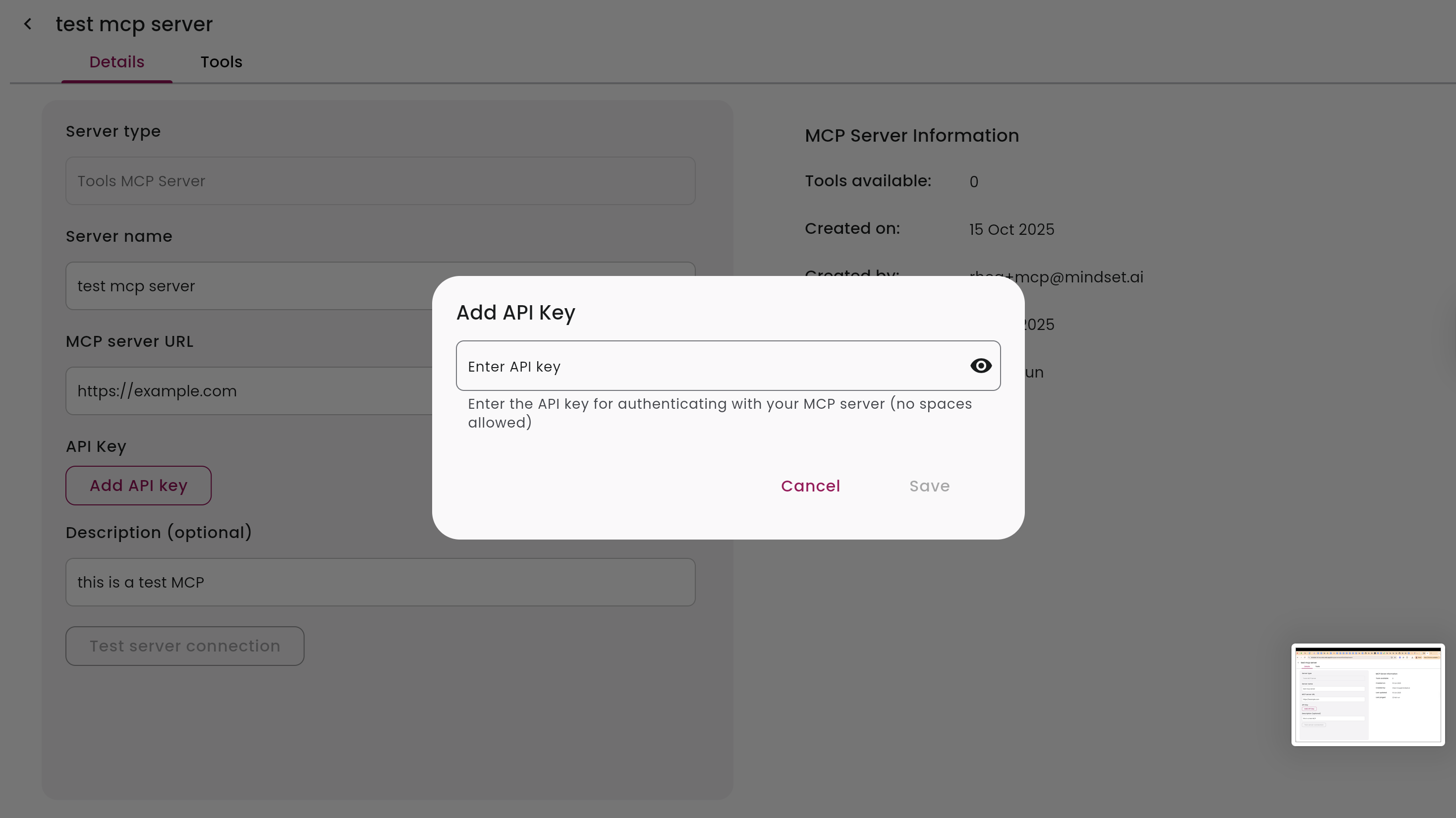
Enter your API key and click Test Server Connection to verify communication between Mindset AI and your hosted MCP.
2. RAG MCP Server
This option is best for customers who want to keep their knowledge data private, without uploading documents to Mindset AI. When connected, your Mindset AI agents query your RAG system directly for contextual information.
Benefits:
- Keeps proprietary knowledge in your infrastructure
- Gives you full control over source documents and retrieval logic
- Enables a secure integration with Mindset AI agents
Implementation Details:
- When an agent is connected to a RAG MCP Server, Mindset AI Knowledge Contexts are ignored
- You must provide URLs for source documents so users can view the source data
- Segments are still stored in the conversation history within Mindset AI
Creating a RAG MCP Server
Create new server
In your MCP Servers, click New MCP Server.
Select server type
Select RAG MCP from the dropdown.
Enter server details
Provide:
- Name of your RAG MCP
- External link (the endpoint for your RAG system)
- Description of what it does
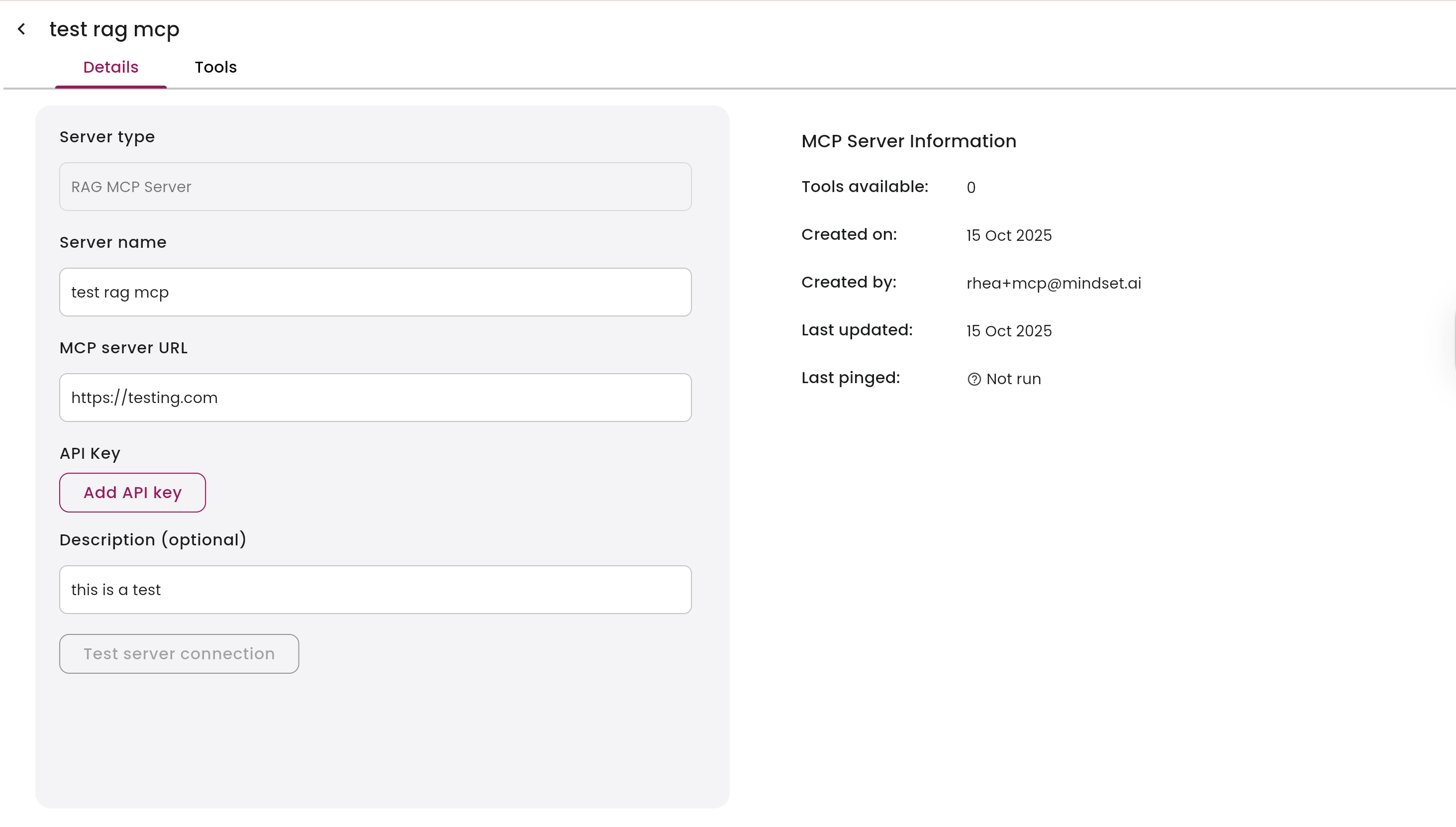
Save and configure
Click Save and add your API key if required.
Test connection
Test the connection to confirm your RAG system is reachable.